How to pair Galaxy Buds using Bluetooth in Samsung One UI 8
You can pair your Galaxy Buds directly through Bluetooth on Samsung One UI 8 without using the Galaxy Wearable app. When nearby, a QuickPair pop-up appears automatically to help you connect quickly.
If the pop-up does not appear, you can manually pair the earbuds through Bluetooth settings on your device.
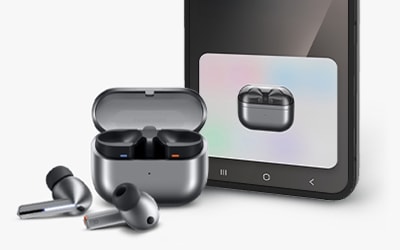
How to connect Galaxy Buds using Bluetooth in Samsung One UI 8
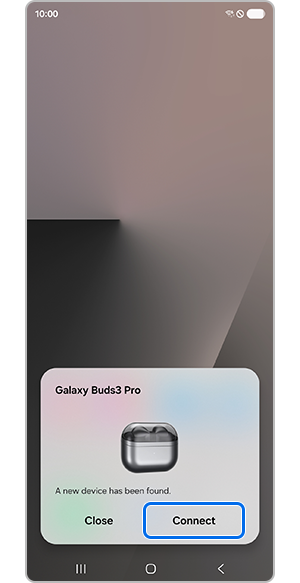
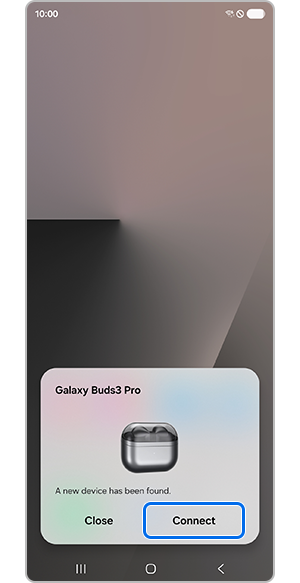
Step 1. Tap Connect when the QuickPair pop-up appears on the screen.
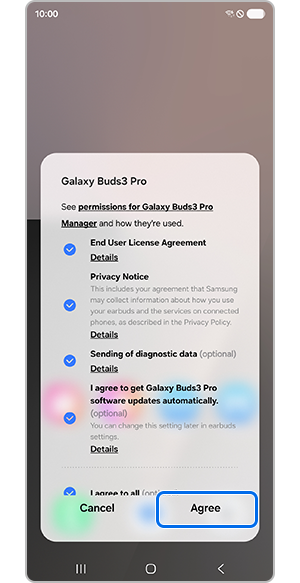
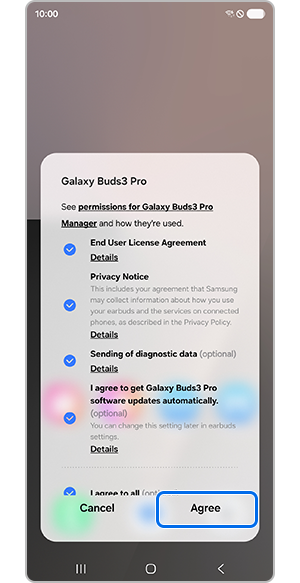
Step 2. Select the required Terms & Conditions (select Optional only if you agree), then tap Agree.
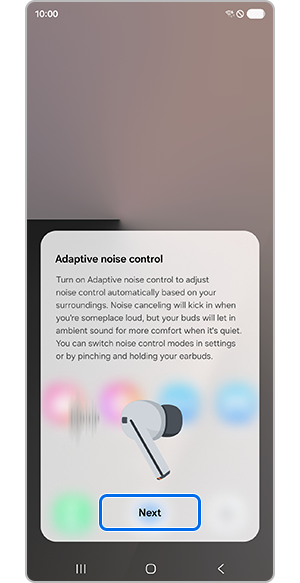
Step 3. Tap Next to continue.
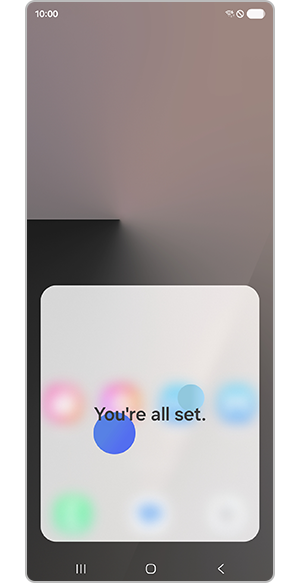
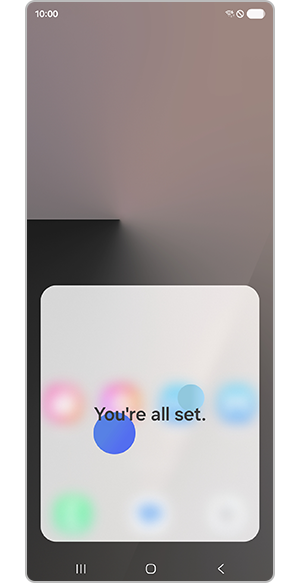
Step 4. Ensure that your Galaxy Buds are connected properly.
Note: If the QuickPair pop-up does not appear, press and hold the pairing button on the bottom of the earbuds case to enter pairing mode.
How to check and adjust Galaxy Buds settings
Step 1. Check the connected earbuds under the Account area in Settings or in the Bluetooth list.
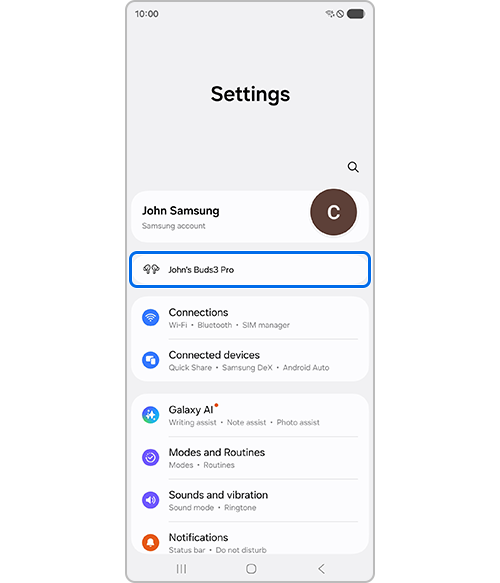
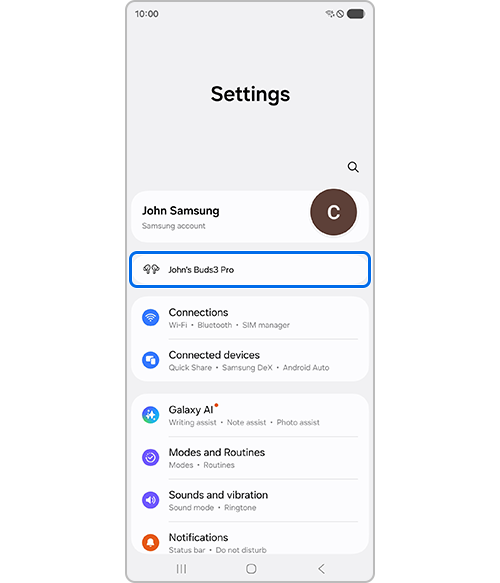
Settings menu
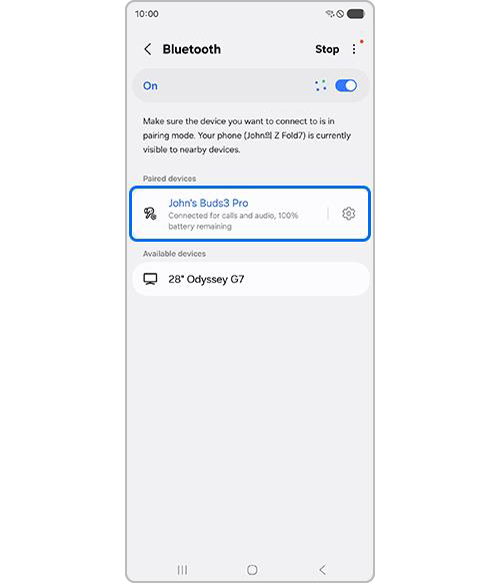
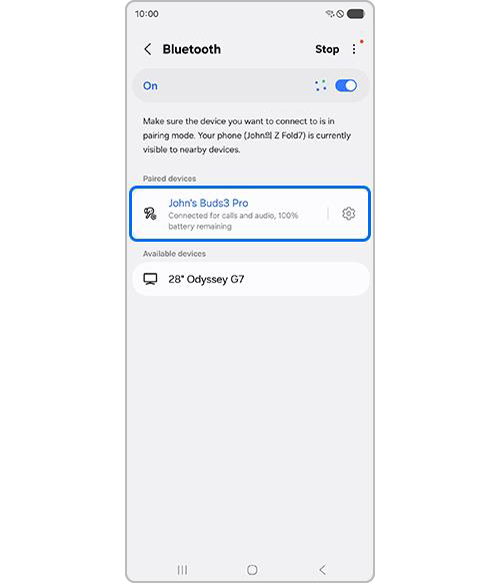
Bluetooth list
Step 2. Tap the earbuds name to access and adjust the earbuds settings.
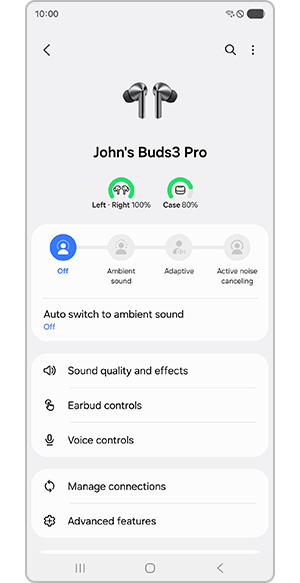
How to set up Bluetooth for Galaxy Buds
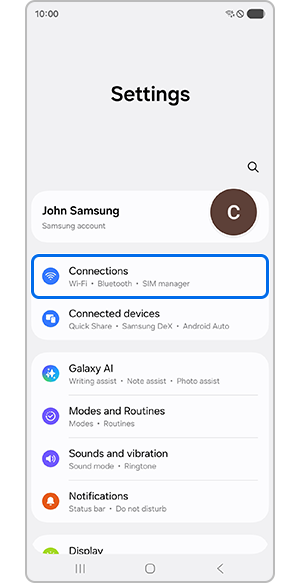
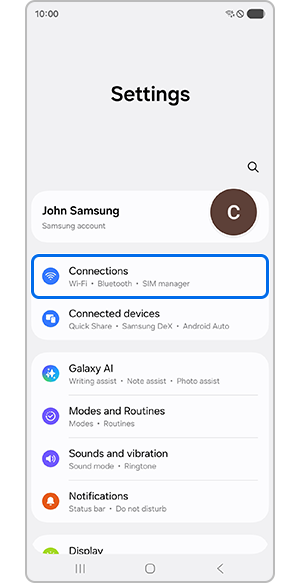
Step 1. Open Settings, then tap Connections.
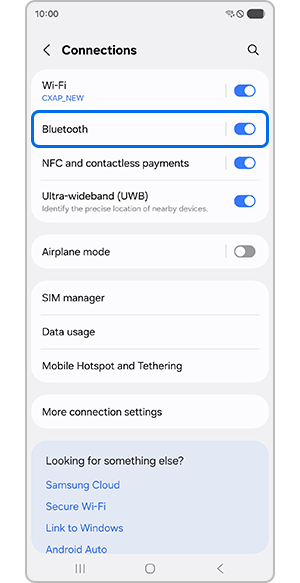
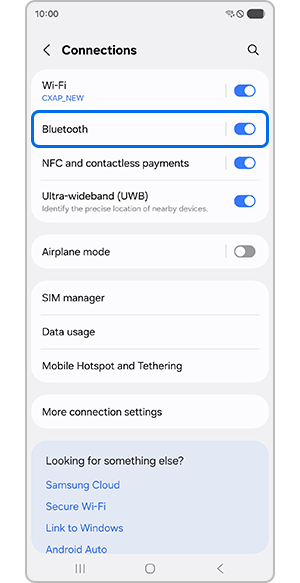
Step 2. Tap Bluetooth to view the connected devices list.
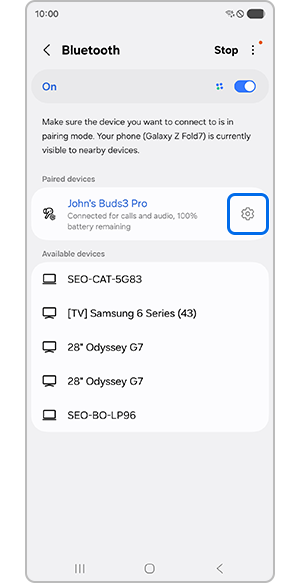
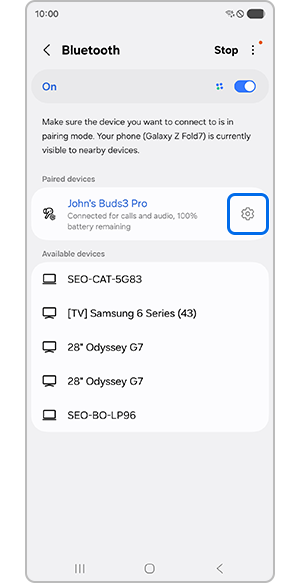
Step 3. Tap the Settings (gear icon) next to the earbuds name.
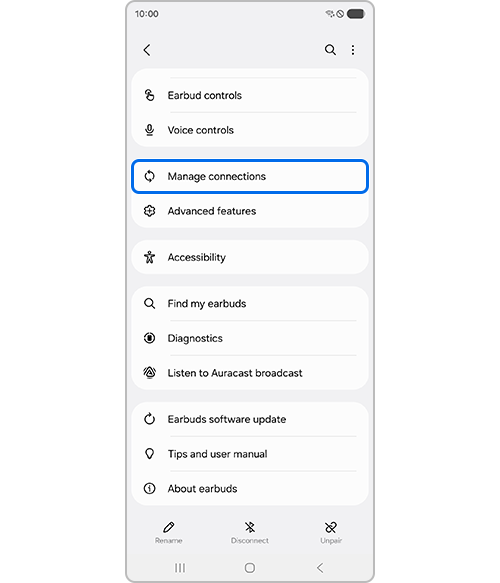
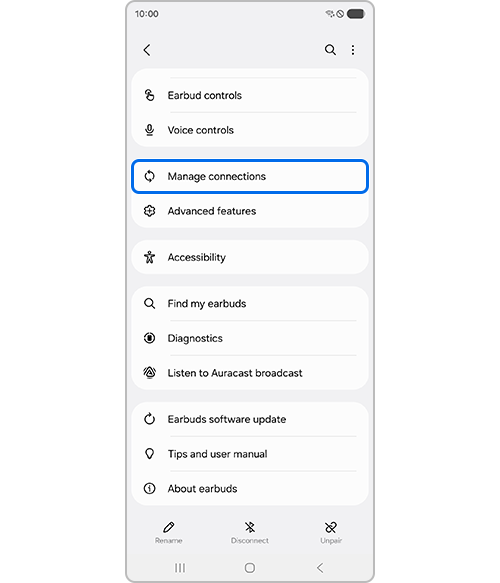
Step 4. Tap Manage connections.
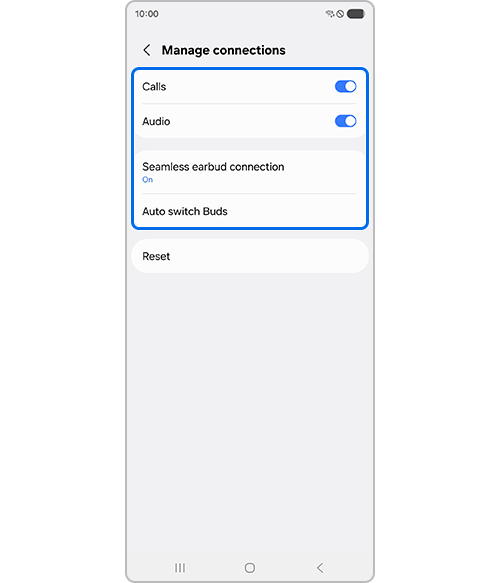
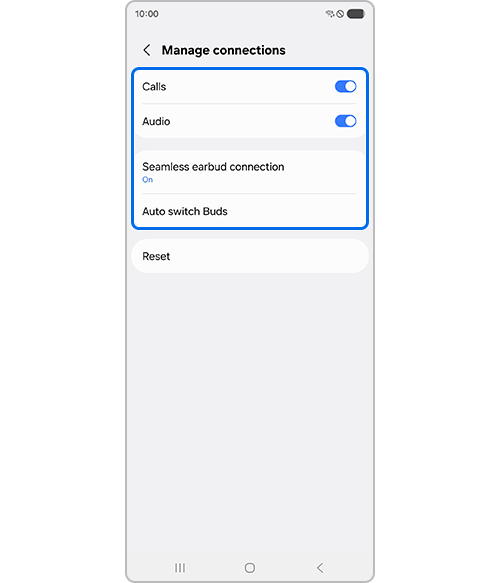
Step 5. Select and adjust the required Bluetooth options.
Notes:
- This feature is available on Samsung Galaxy devices running One UI 8.0 or later.
- You do not need to use the Galaxy Wearable app to pair your Galaxy Buds.
- Actual UX/UI may vary depending on the device model and software version.
Thank you for your feedback!
Please answer all questions.